Optional add-ons that make a real difference.
AcuityMaster works with a wide range of off-the-shelf accessories. None are required, but each can streamline how your team navigates the software during exams.
Anaglyphic red/green glasses
Required for the Worth-Dot-Four test. We recommend Richmond Products 955R adult red/green glasses — durable, lightweight, and clinically validated.
View product info →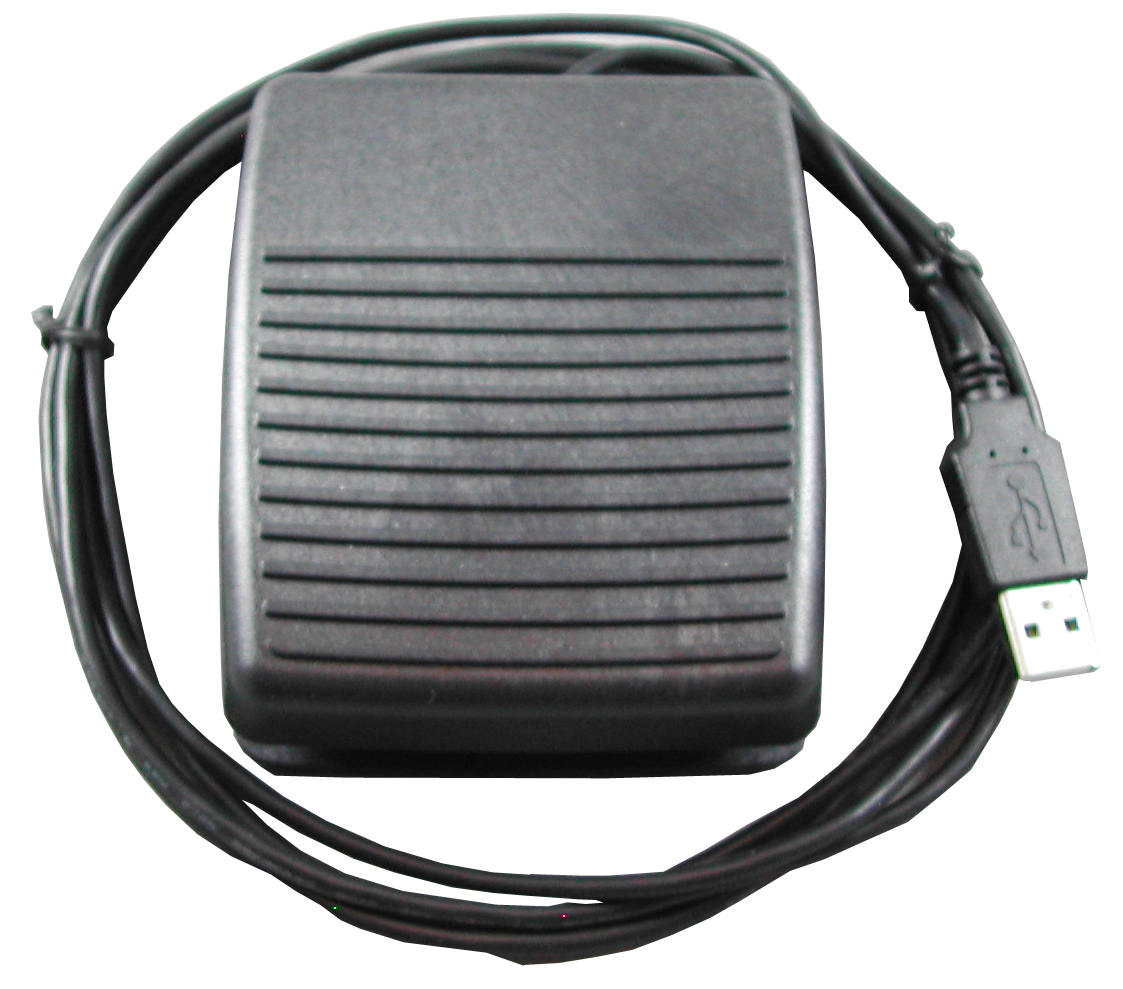
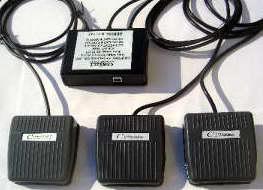
USB foot pedal
Foot pedals complement keyboarding — greater comfort, higher productivity, and less wrist strain associated with carpal tunnel syndrome. Up to three pedals can replace frequently used keystrokes. Our preferred pedal is pre-programmed and ships ready to use.
Wireless keyboards
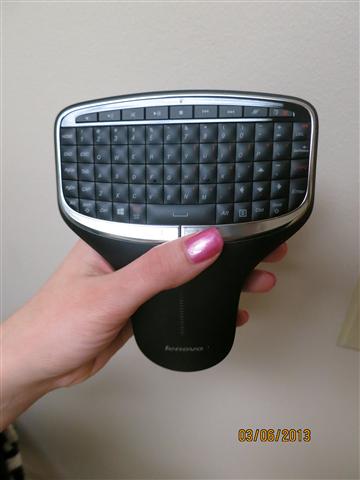
A standard wireless keyboard from Logitech (or similar) makes navigation effortless — particularly for pediatric, pre-verbal, and retinoscopy exams where the technician needs to step away from the computer.
Backlit remote keyboard
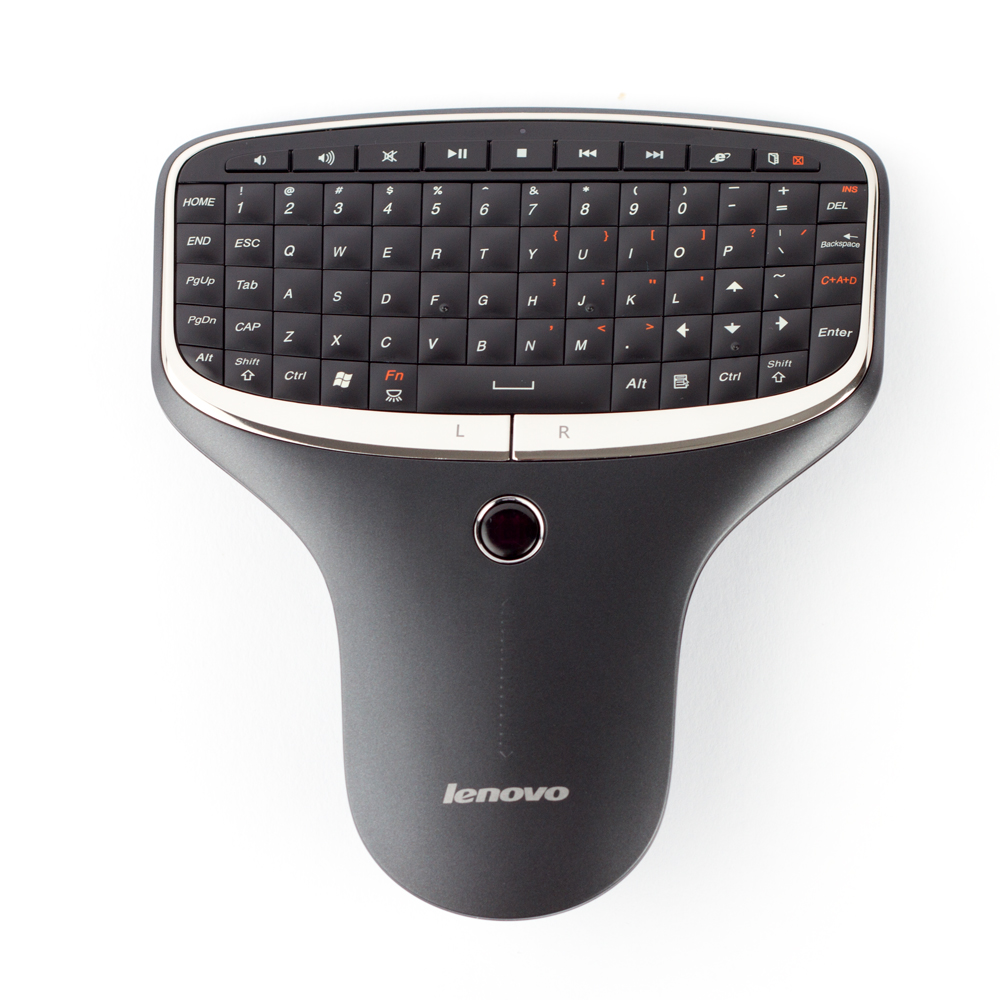
Our preferred full keyboard remote is the Lenovo backlit model. It permits 100% control of AcuityMaster from anywhere in the exam lane — ideal for low-light exam rooms and hands-free operation.
Ready to get started?
Try AcuityMaster free for 15 days in your own exam lane.